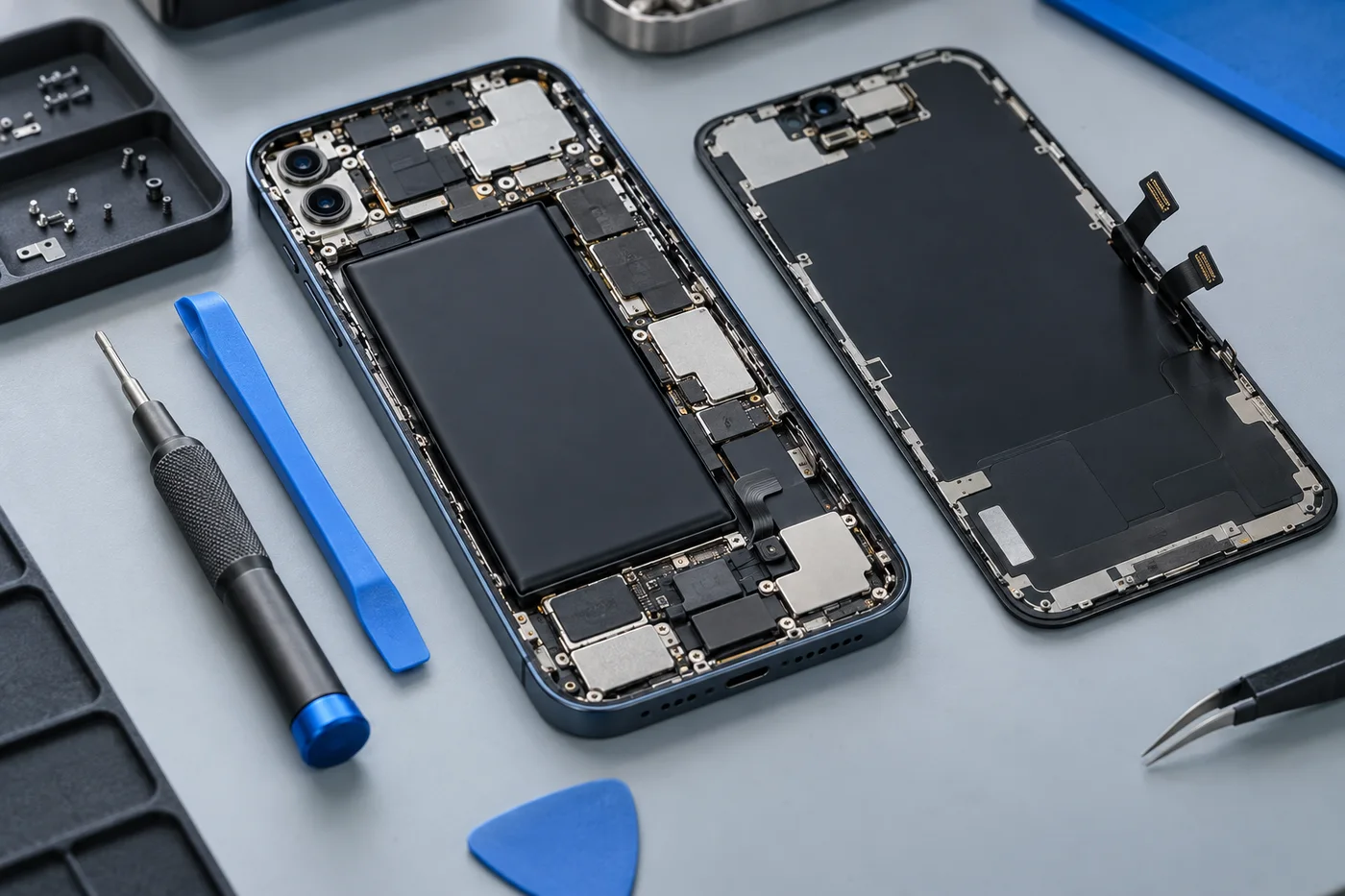
Does any of this sound familiar?
- Cable will not seat correctly
- Intermittent charging
- No charging response
- Loose or damaged connector
Start with safe external checks
If the phone and accessories are dry and show no damage, try a known-working compatible cable and adapter at a working socket. Change one item at a time so the result is useful. A failed cable can resemble a phone fault, and a damaged adapter should not remain in use.
Stop these checks if there is unusual heat, a burning smell, liquid exposure or visible battery swelling. Do not force the connector into the port or repeatedly hold it at an angle. Continued strain can make a connection problem worse.
Why charging ports become unreliable
A port can collect compacted lint, suffer bent contacts or become damaged by impact and repeated sideways pressure. These possibilities need inspection. A plug that feels loose does not establish whether cleaning, connector replacement or another repair is appropriate.
Avoid scraping inside with pins, needles or other metal objects. Do not pour cleaning liquid into the connector. Modern charging ports are small and delicate; an attempted clean can damage contacts or push contamination further inside. Ask the shop about inspection before trying an invasive fix.
If your symptoms overlap, explore battery replacement or water damage assessment before describing the issue to the shop.
The fault may be elsewhere
A battery, internal connection, charging board or power-management circuit may also be involved. Some phones display a charging symbol without gaining charge, while others repeatedly connect and disconnect. Describe the behaviour rather than assuming a particular part needs replacement.
Software activity and accessory compatibility can affect charging too. If the issue followed an update or occurs only with one accessory, mention that. For a wet phone or liquid-detection warning, disconnect charging and follow the device maker’s guidance; do not override the warning as a troubleshooting shortcut.
Model-specific assessment and repair
USB-C, Lightning and other connectors differ, and their installation varies between phone models. A connector may be part of a larger assembly or require specialist work. Support and part availability must be checked for your exact device before the repair is agreed.
Ask what inspection costs, what the proposed repair includes and how additional faults would be handled. Confirm the part specification, estimated turnaround and applicable terms. Replacing a connector does not automatically resolve a separate battery or board problem, so a clear explanation matters.
Make your enquiry more useful
Include your brand, model, the accessories tried and whether the phone can still turn on. Mention drops, liquid exposure and earlier repairs. Where safe, back up your files before visiting and explain any data-preservation concerns before authorising software resets or other work.
After the proposed repair, discuss how charging stability and relevant data connections will be checked. If the phone loses charge quickly even when it charges normally, see our battery replacement information. Contact Cell Phone Repairs Midrand to ask about an assessment and confirm current hours before coming to Halfway House.
Your repair questions, answered.
Can you clean my charging port?
Ask about an inspection. Debris, contact damage and other faults need to be distinguished before a cleaning or repair is proposed.
Why does my phone only charge at an angle?
The cable or connector may be worn, obstructed or damaged. Do not keep forcing it; request an assessment.
Will replacing the port solve every charging fault?
No. Battery, circuit and accessory problems can have similar symptoms. The proposed work should follow an assessment.