Does any of this sound familiar?
- Liquid exposure or moisture alert
- Shutdowns after a spill
- Display or camera condensation
- Charging and sound faults
What to do immediately after exposure
Disconnect the charger if you can do so safely and stop using the phone. Remove an external case if this can be done without squeezing or damaging the device. Gently dry the outside with a soft cloth and leave it in a dry, ventilated place while arranging advice.
Do not put the phone in rice, apply heat or insert objects into its connectors. Avoid shaking it vigorously or repeatedly switching it on to see whether it has recovered. Those actions do not establish that the inside is safe and can complicate the situation.
A dry outside does not mean a dry interior
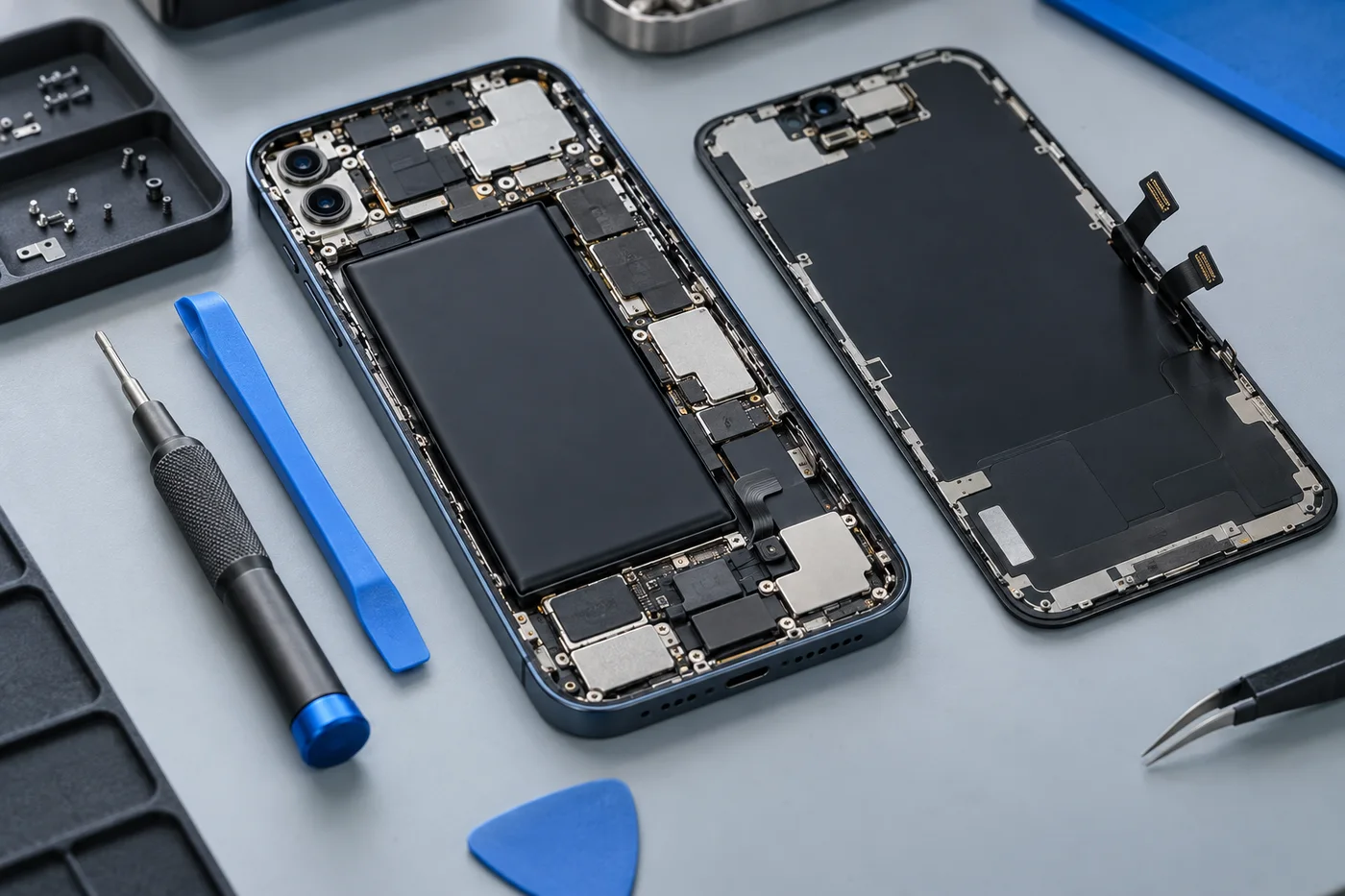
Liquid can reach connectors and electronic components through small gaps. Residue may remain after visible moisture has evaporated, and corrosion can develop or continue over time. A phone that appears to work after a spill can still show problems later.
Salt water, sugary drinks and other liquids leave different residues. Tell the shop what the phone was exposed to, roughly when it happened and whether it was powered or charging afterwards. These details help explain the risk and guide discussion of an assessment.
If your symptoms overlap, explore charging port repairs or iphone repairs before describing the issue to the shop.
Symptoms can involve several systems
Liquid damage can affect the display, charging connection, battery, cameras, microphones or internal electronics. Intermittent shutdowns, distorted sound or a black screen may be part of a wider issue. Replacing the most visibly affected component may not restore the whole device.
Do not assume a water-resistance rating makes the phone immune. Resistance can change through age, impact and previous repairs. Avoid further charging tests or wireless charging after a soaking until appropriate professional advice has been obtained.
What to ask about the assessment
Check whether the shop can assess your exact model and the type of liquid exposure. Ask about inspection charges, what can be established before authorisation and whether specialist work may be necessary. Internal condition determines whether a repair is practical.
The proposed scope should distinguish assessment, cleaning if appropriate and replacement of affected components. Confirm how any additional work would be approved. Outcomes vary, and neither a successful repair nor a fixed turnaround can be promised from the symptoms alone.
Make data preservation a priority early
If important photographs, contacts or documents are not backed up, say so before any work begins. Ask whether the planned steps could affect stored information. Repairing the device and recovering data are different objectives, and availability of either must be discussed explicitly.
Do not switch on a wet phone simply to make a backup. If you already have cloud backups, check them from another trusted device instead. Contact our Halfway House shop for the next step and confirm hours before visiting. Our iPhone and charging-repair pages explain related symptoms, but liquid exposure should always be mentioned at the start of the enquiry.
Your repair questions, answered.
Will rice dry out my phone?
Rice is not recommended. It does not remove internal contamination and can introduce particles. Stop charging and arrange advice.
Can you guarantee recovery?
No. Corrosion, damaged components and the exposure history affect the result. Data recovery is also not guaranteed.
It switched on again. Is it fine?
Not necessarily. Internal residue or corrosion may remain. Explain the liquid exposure even if the phone currently works.