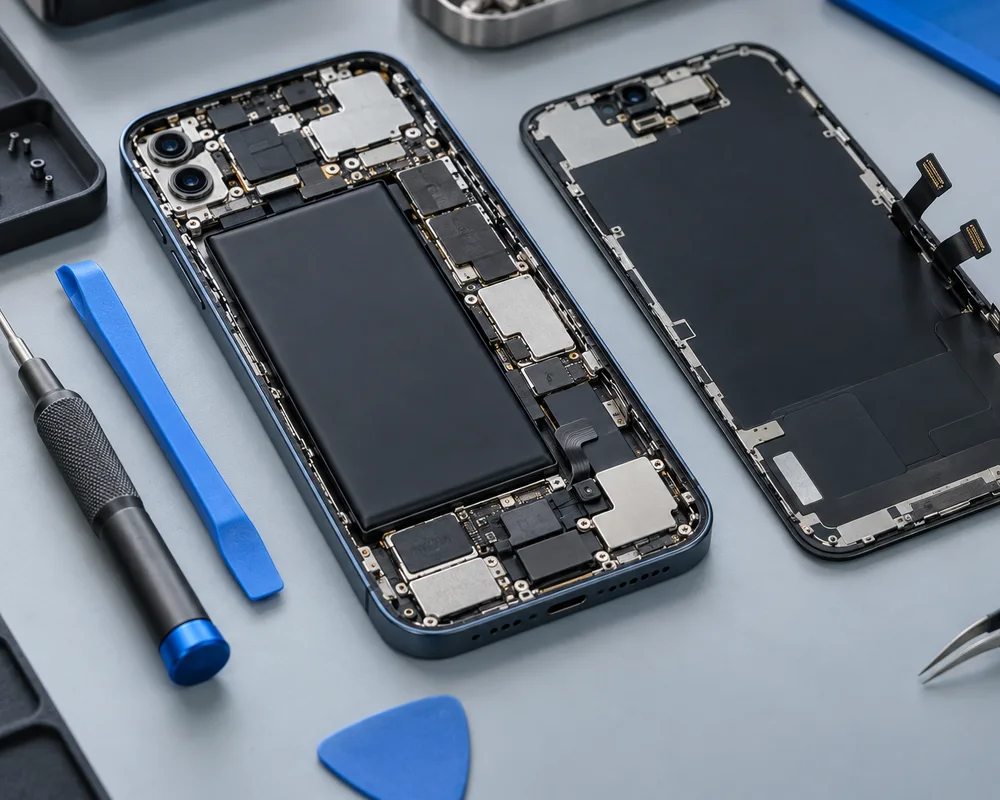
Samsung Phone Screen Repair: What You Need to Know
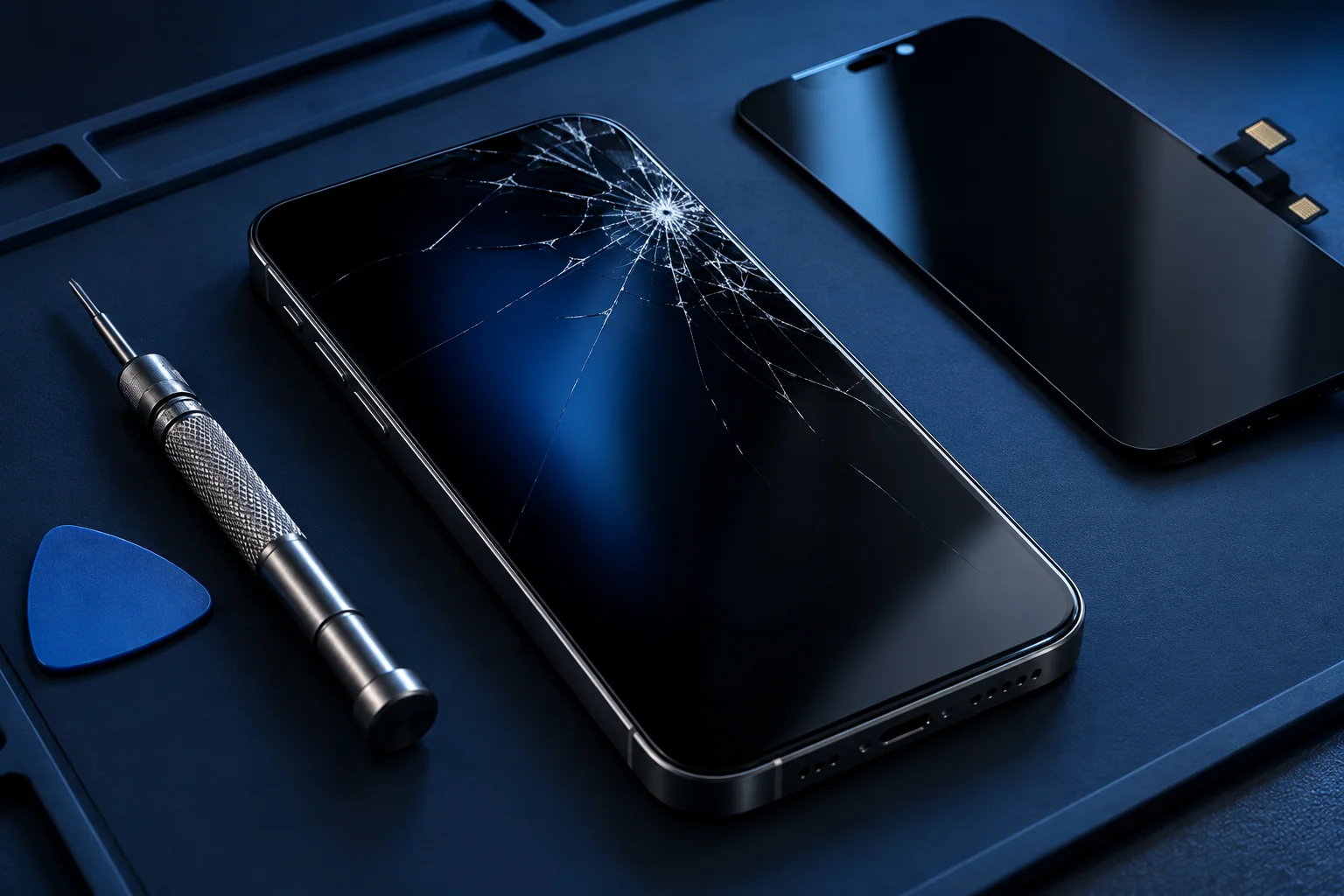
Samsung Galaxy phones cover many different designs and display types. A repair decision needs to start with the exact model and the condition of the device. Whether the glass is cracked or the screen has gone dark, a few useful observations can make your enquiry much clearer.
Identify the device accurately
Galaxy A, S, Note and Z names describe broad ranges, not interchangeable parts. Find the full model name or model code in your settings, box or purchase records if possible. A standard, Plus or Ultra variant can require a different display.
Foldable screens also require particular care and model-specific expertise. Ask whether the shop can assess your device before visiting. A website that discusses Samsung repairs should not be taken as confirmation that every Galaxy model or component is supported.
Look beyond the crack
The front glass may be broken while the image still looks normal, or the display may have lines, dark areas and unreliable touch without a visible crack. OLED damage can affect the image beneath the surface. These observations describe the problem but do not determine the full repair.
Tell the shop whether the phone still rings, vibrates or shows any image. A black screen can also involve power or internal connections. Mention a drop, pressure, liquid exposure or earlier repair, because each can influence the assessment.
For a model-specific enquiry, see our samsung repairs information.
Touch and fingerprint questions matter
A display enquiry should include touch behaviour. Does the phone miss taps, respond in only one area or register input by itself? Avoid pressing harder on broken glass or bending the device to reproduce an intermittent fault.
Where your model uses a fingerprint reader associated with the screen, ask about compatibility and testing with the proposed replacement. Brightness, colour and responsiveness are also useful topics. Do not assume all parts offered at different prices have identical specifications.
Understand what the quote covers
Ask whether the assembly includes a frame and whether any bent housing or related damage needs separate work. Confirm the part source, full estimated cost, inspection charge if applicable and repair terms. The shop should explain any proposed additions before you authorise them.
Parts availability and device condition affect turnaround. Do not plan around a same-day result until it has been confirmed for your repair. Opening a phone does not automatically restore its original water resistance, so ask about appropriate care afterwards.
Prepare for service and collection
Back up the device if it is safe and usable. If supported by your model, read Samsung’s guidance about Maintenance Mode and ask whether it suits the assessment. Keep account passwords private and discuss any required access directly with the technician.
At collection, ask to check the repaired functions together. Touch, image quality, brightness and relevant sensors are worth reviewing. Explain any remaining symptoms promptly. A screen repair may not resolve a separate charging, camera or battery problem.
You can also discuss related symptoms through our screen repairs page.
Protect the phone and plan the next step
A suitable case and screen protector may reduce everyday damage, although they cannot prevent every impact. Keep the phone away from liquids and avoid pressure from tight bags or pockets. If glass is loose or sharp, stop handling the damaged area.
Read our Samsung phone repairs page for broader Galaxy concerns and our phone screen repair page for assessment questions. Contact Cell Phone Repairs Midrand with your exact model before visiting Halfway House. Confirm support, current opening hours and the entrance so you can plan the visit around a real assessment rather than an assumed repair.
Need help with your phone?
Share your model and symptoms with our Halfway House shop.
Prepare a repair enquiry ↗